Silas
About Silas
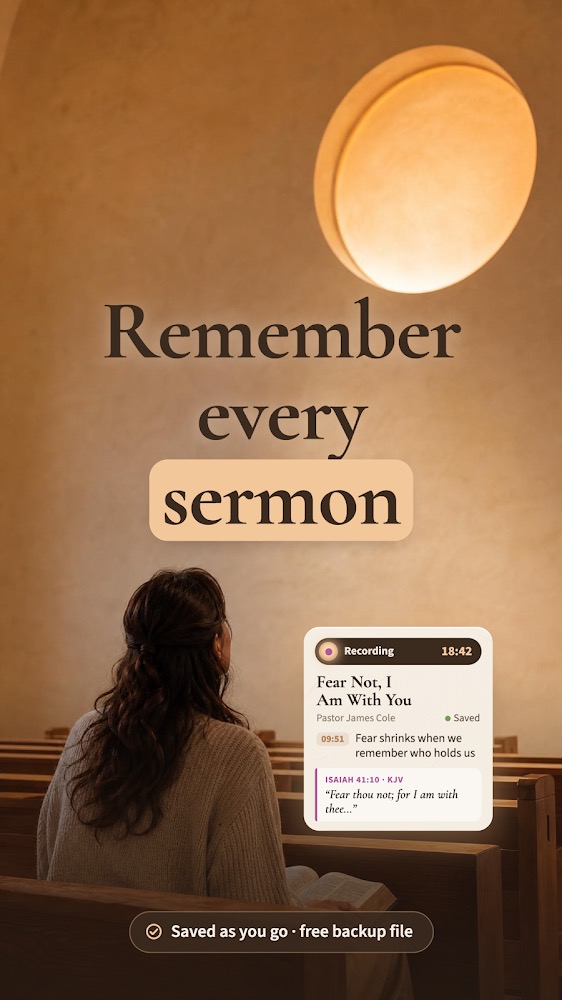
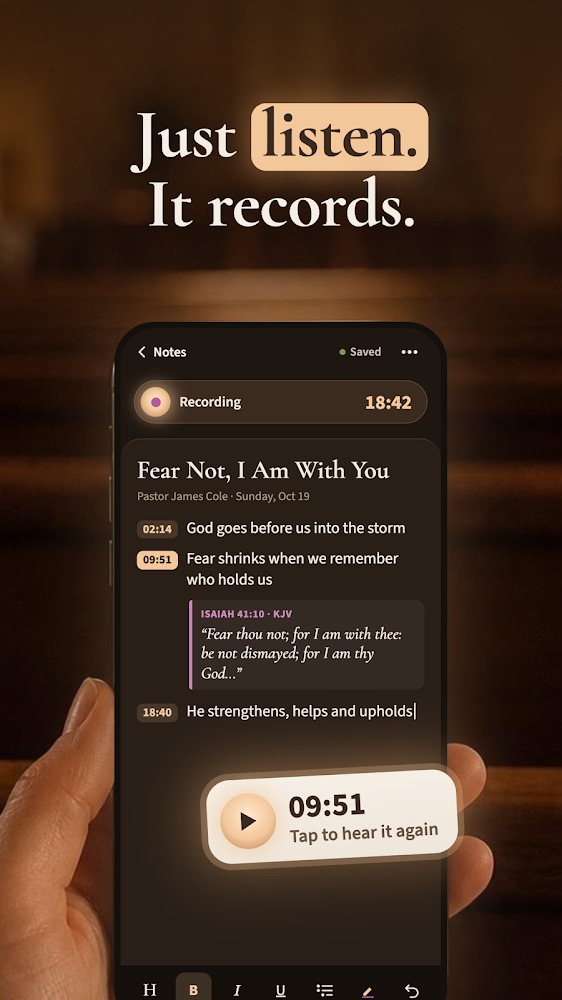
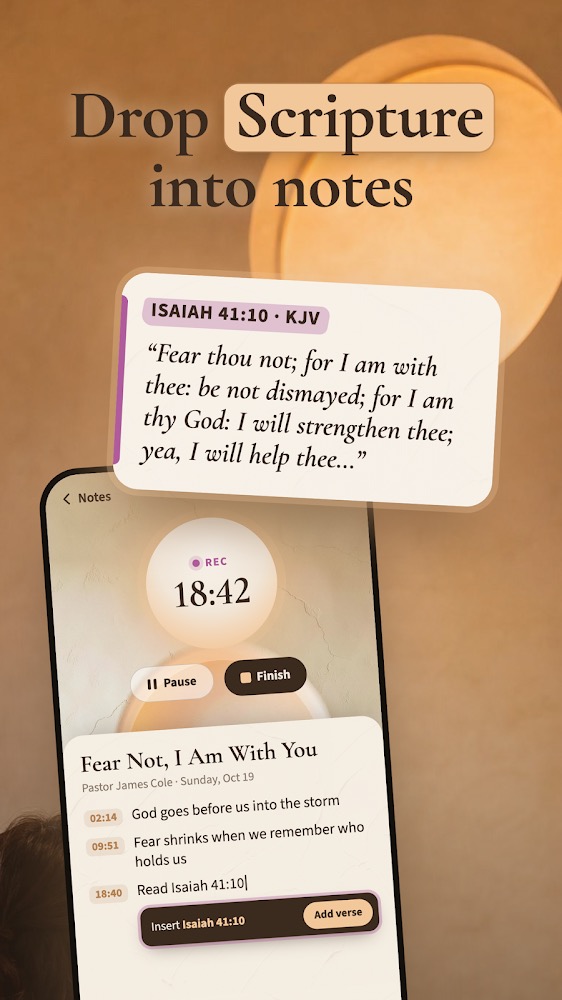
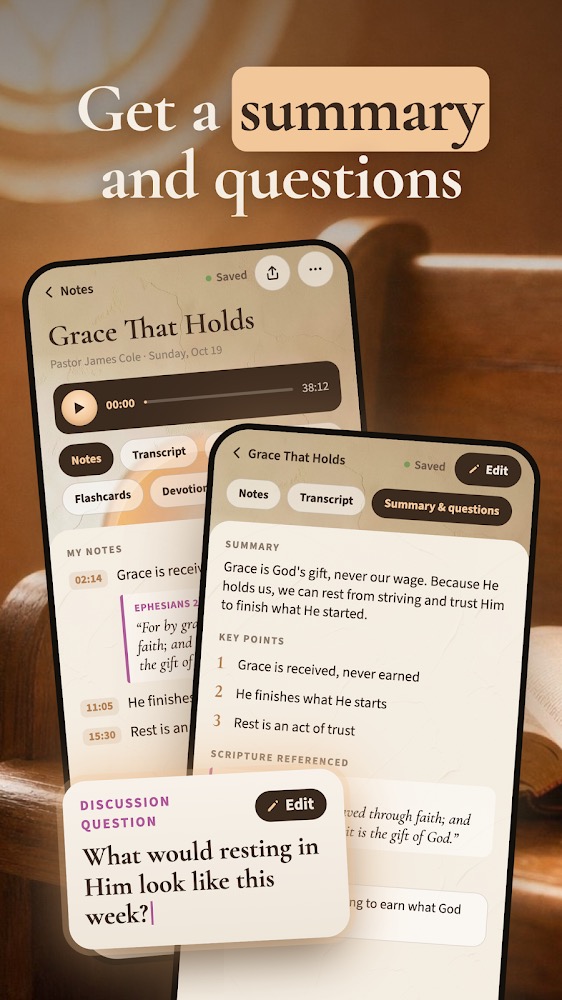
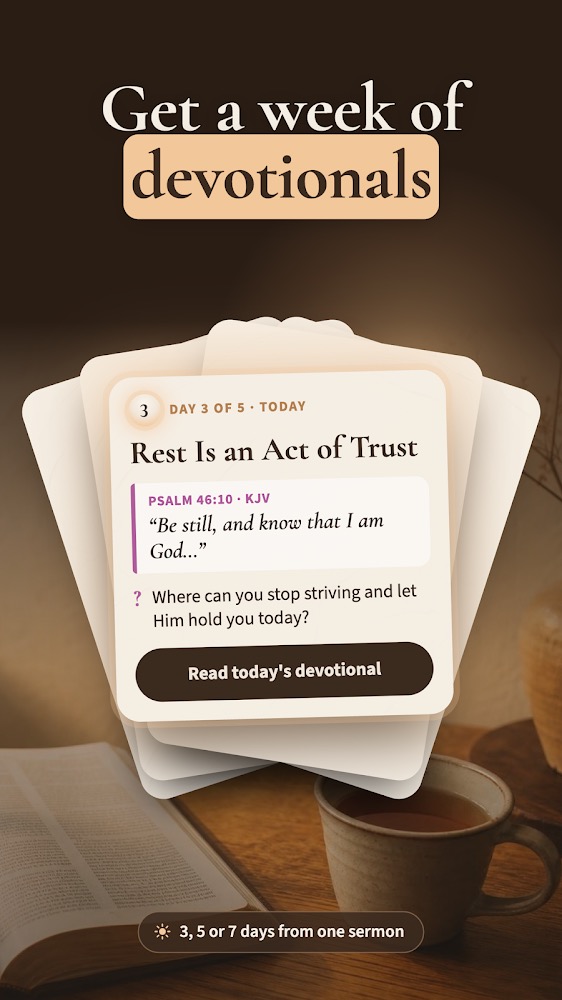
Silas keeps your sermon notes in one place: record the message, type what stands out and drop Scripture straight into the note. Afterward, turn the sermon into a summary, discussion questions and a short devotional for the week, and edit every word. RECORD AND TYPE IN THE SAME NOTE • Tap record and keep typing. Silas is a sermon recorder and notes app in one. • Recording keeps going when the screen locks or you switch apps, and it records without a signal; the transcript is made once you are back online. • Every point you type is time-stamped to the recording. Tap it to hear that moment again. • Already have a recording of the service? Import the audio file and get it transcribed and summarized. SCRIPTURE RIGHT IN YOUR NOTES • Type a reference like John 3:16 or Jn 3:16 and the verse text appears in your note. • A built-in Bible in public-domain translations (KJV, WEB, BSB, ASV and YLT), downloaded on first use and readable offline. • Highlight verses, keep Bible notes on any verse and see every note that cites it. SERMON NOTES THAT HELP YOU REMEMBER • From the recording or from your own church notes, Silas prepares a summary, an outline, key points, quotes, the Scripture referenced, application points and reflection or discussion questions. • Everything is editable, the transcript included. • Every verse that is cited is checked against the built-in Bible, and its text comes from that Bible. • Ask questions about a sermon. The answers come from that note's transcript and your notes. • Review the message with flashcards and a short quiz. • Turn a sermon into a 3-, 5- or 7-day devotional to revisit through the week. ORGANIZE YOUR SERMONS • Sort sermons by preacher, church, sermon series, date and tags, or keep them in folders. • Search every note and transcript at once. • More than sermon notes: write Bible study notes, keep a personal Bible journal or a prayer list in the same app. A REAL NOTE EDITOR • Headings, nested and numbered bullets, bold, italic, underline, highlight colors and undo. • Add photos of slides or handouts from your camera or library, and copy the text out of a photo. • Export a note as a PDF or as text, copy it, share it or print it. YOUR NOTES ARE KEPT SAFE • Continuous autosave, a confirmation before anything is discarded, a Recently Deleted trash and undo. • Export a backup file and restore it on a new phone. No account needed. • Adjustable text size, dark mode and color themes for reading in a dim sanctuary. WHY THE NAME Silas traveled with the apostle Paul, preached alongside him and helped write his letters. This app is built for the same work in a smaller way: hearing the Word, writing it down and carrying it into the week. Take church notes on Sunday, let the recording run when you would rather listen than write, and come back to your sermon notes on Wednesday with the verses already in place.